TechEngadget1h ago
How to enable Live Activities on iPhone and CarPlay
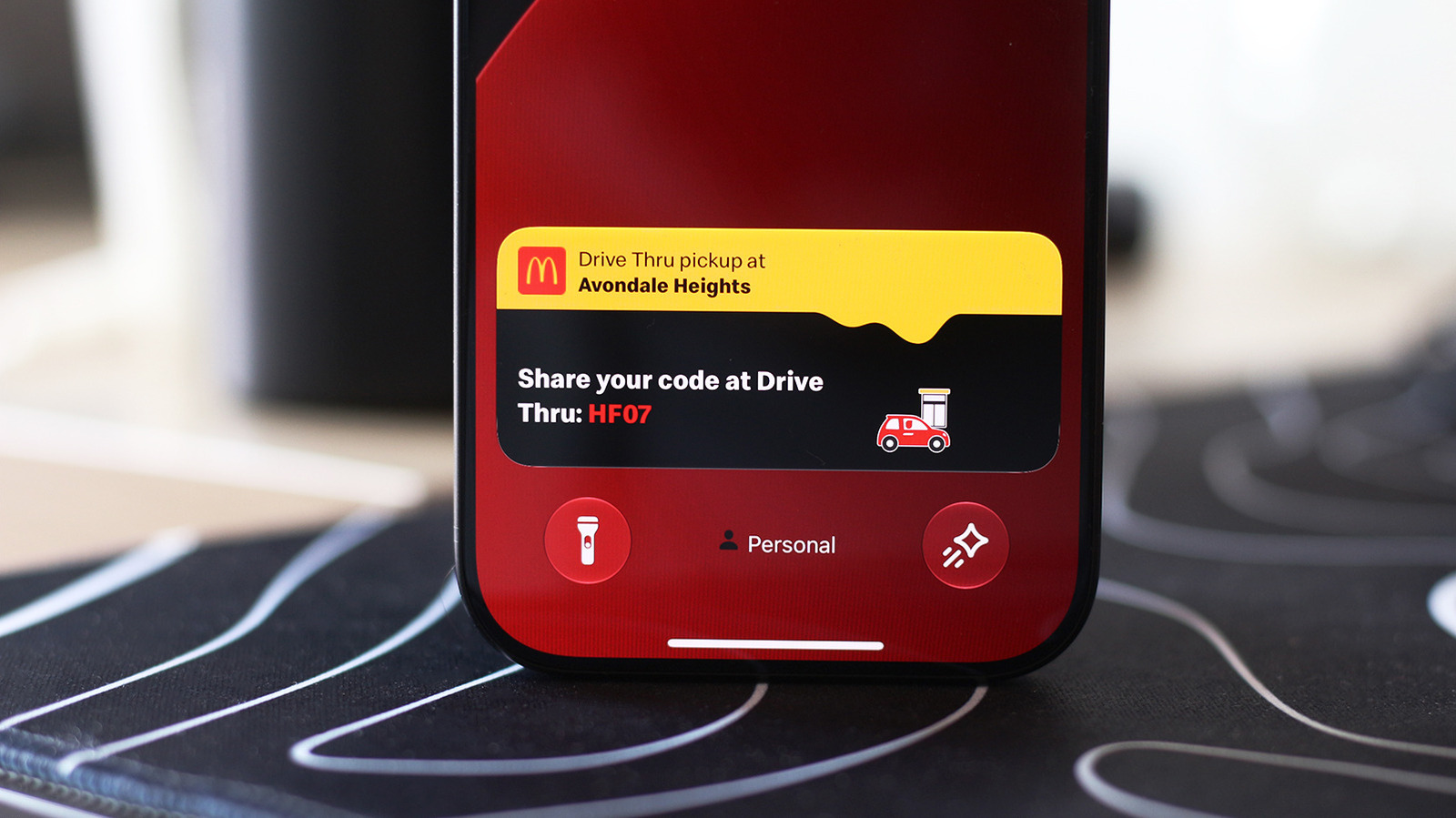
TL;DRTurn on Live Activities to see app updates on your iPhone lock screen and CarPlay.
Why it matters: Keeps critical real-time data visible without opening apps, improving efficiency and awareness.
Live Activities put the most important real-time information from apps in a place where it's easy to keep an eye on.
Read full articleSource: Engadget · Opens in new tab